
How to Turn Your Outdoor Photos Into a Photo Book
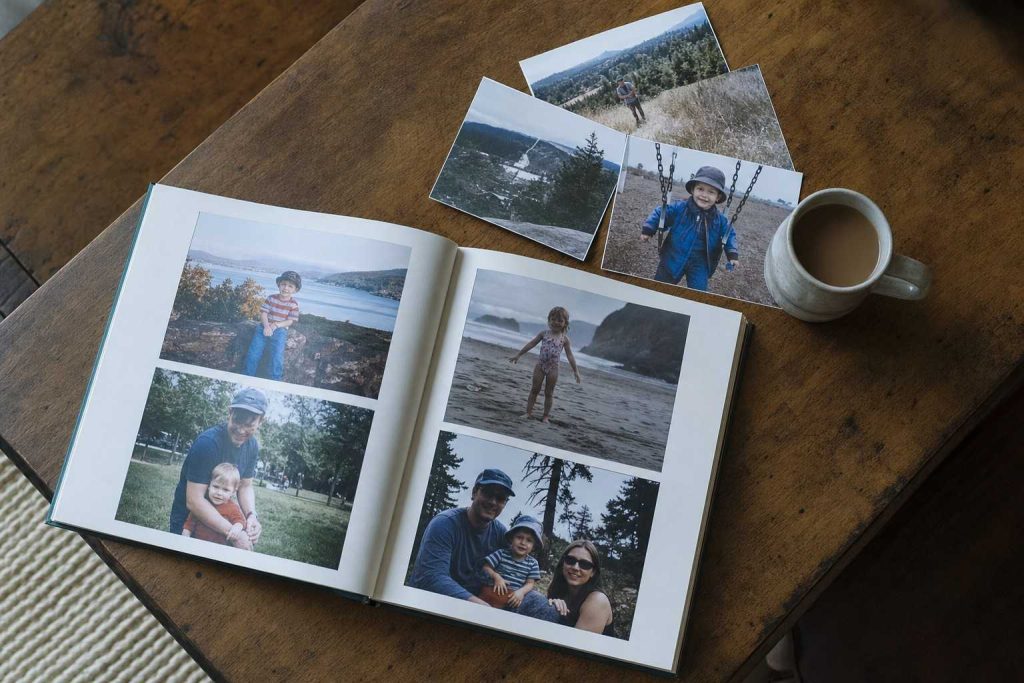
Hundreds of outdoor photos sit on most people’s phones. The sunset from last July. The kids running through the sprinkler. The wildflowers along the trail in April.
A photo book finishes that work. It takes the best of what you shot and turns it into something you can hold, leave on a table, and actually look at.
The steps below are not complicated, but each one matters.
Step One: Edit Down Hard
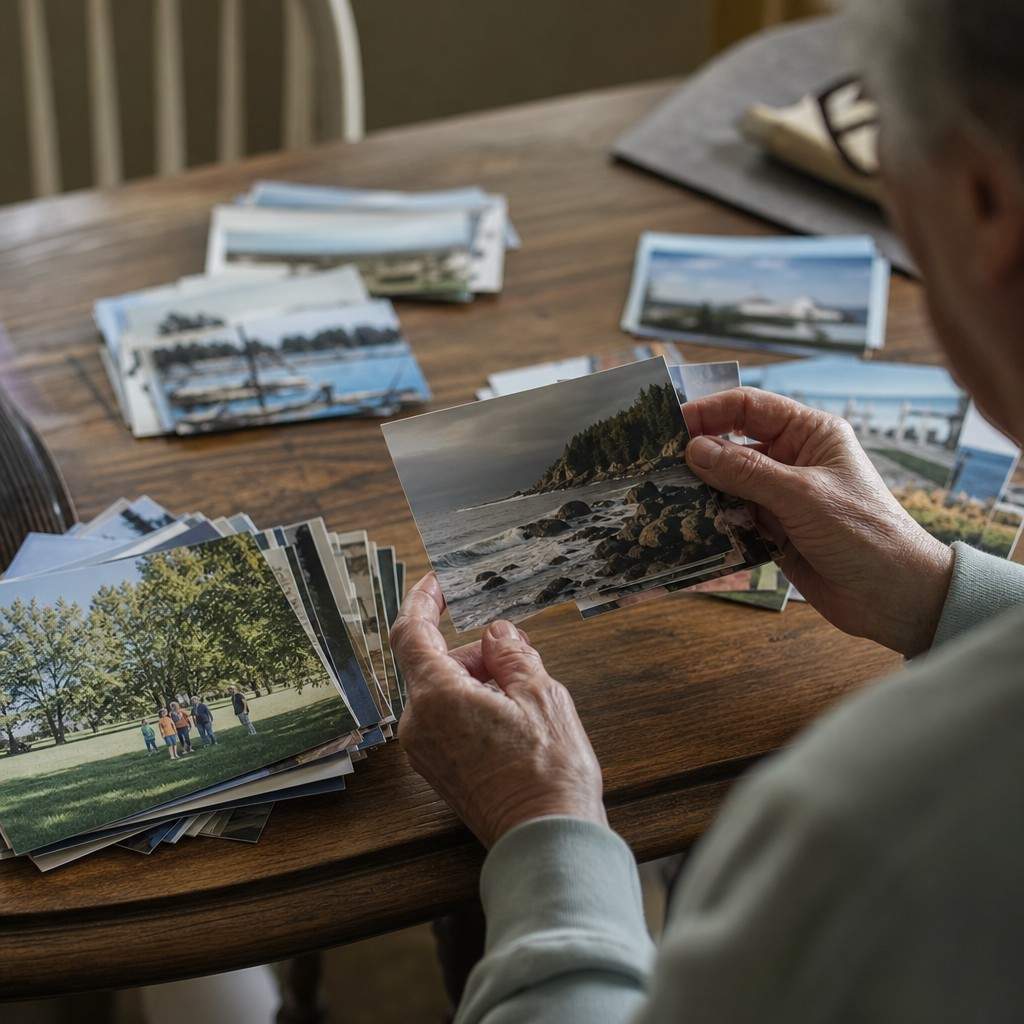
Start with a number. Pick 30 to 40 images for a standard book. Not your top 200. Not every shot that came out okay.
Thirty to forty is the discipline.
Go through your phone or camera roll and mark only the strongest images. A clear face, real light, a moment with feeling. Pass quickly on the first cut: if you pause too long on an image, it probably does not make the cut. You can always come back.
Delete duplicates first. You do not need six frames of the same smile. Keep the one where both eyes are open and the light hits right, then move on.
One tight edit beats a bloated book every time.
Step Two: Tell One Story Per Book
The biggest mistake in photo books is mixing everything together. The beach trip, the birthday party, and the fall hiking photos do not belong in the same volume.
Pick one trip, one season, or one theme and stay inside it.
A book that covers two weeks in Acadia has a spine. A book that covers two years of random weekends is a pile of paper. When the reader turns each page, they should feel like they are moving through something, not flipping a slide deck.
This is especially true for books that include photos of kids and family outdoors. A summer with the kids holds together. A collection from five different summers does not.
Step Three: Give One Theme to Each Spread
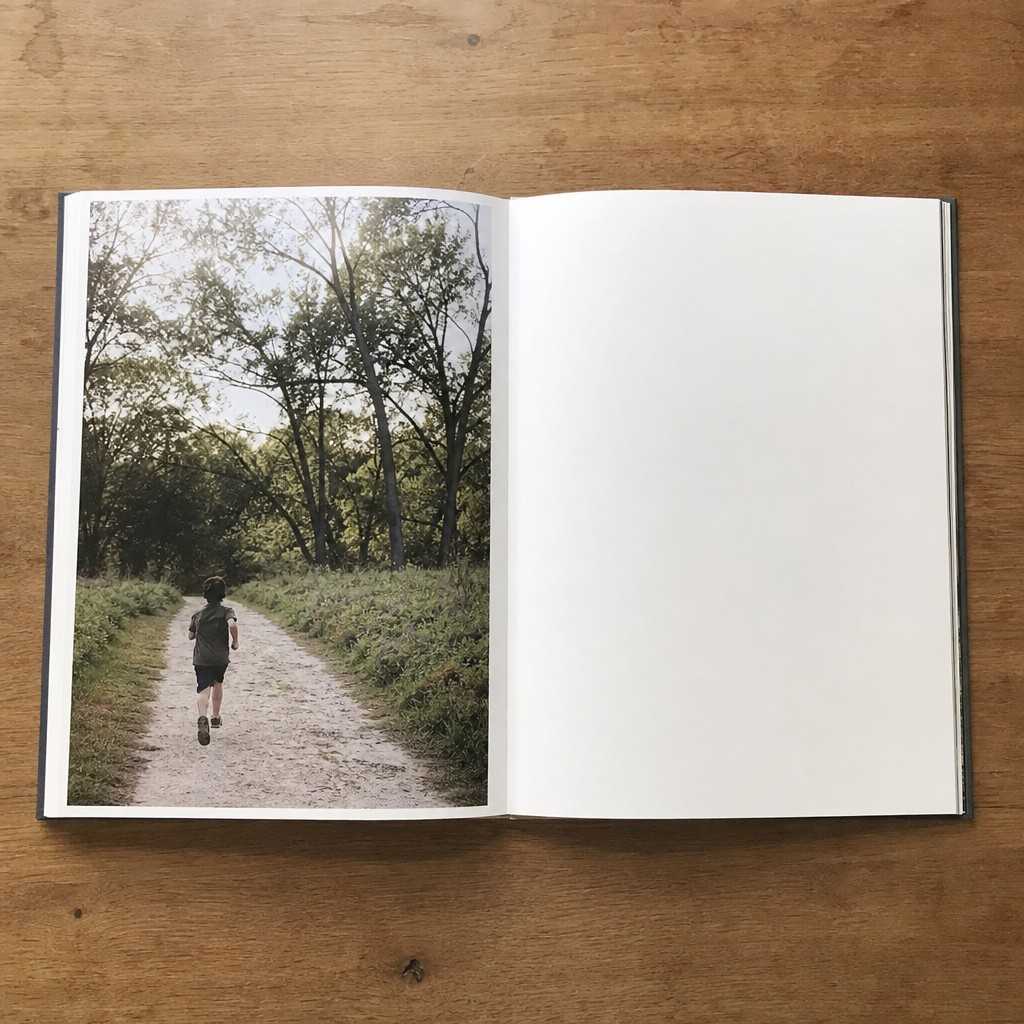
A spread is the two pages you see when a book lies open. Each spread should do one thing.
- One wide scene opening a section.
- One set of close detail shots showing texture or faces.
- One full-page image that earns its own page.
Do not crowd a spread with six unrelated frames. Three strong images with breathing room beat six that compete.
Most outdoor photos never leave a phone. A photo book changes that, and it takes one afternoon to do it right if you know what to cut, what to keep, and how to let the best shots breathe.
Let a few full-page photos stand alone. If you shot a wide open view that stopped you in the moment, give it a full bleed. The reader will feel it the same way you did.
Mix Wide and Close for Rhythm
A book made entirely of wide scenery shots goes flat. So does a book made entirely of close faces.
Alternate wide scenes with close detail and faces to create rhythm. Wide shot of the trail, close shot of hands on a rock, face in the afternoon light, wide again.
Think of it like pacing in a story. Open up, pull in, open up again. This is the same logic that makes a well-planned digital photo book feel like something a reader moves through rather than scans once and sets down.
Alternate the scale, and the pages start to breathe.
Captions: Short or Skip
Captions slow a photo book down if they repeat what the image already says.
A good caption adds what the photo cannot show: the trail name, the temperature, a single line of context. One sentence at most. If the caption is just “at the beach,” skip it.
Many of the best photo books have no captions at all. The images carry themselves.
Choosing a Size and a Printing Service
Most photo book services offer three standard sizes. A small softcover works for a personal keepsake. A larger hardcover works for something you want on a coffee table.
Start with the standard size, not the largest option. Bigger books cost more to print and more to ship, and a well-edited small book almost always feels more intentional than an oversized one with too much empty page.
The main services (Chatbooks, Artifact Uprising, Mpix, Shutterfly) all produce acceptable quality at the mid tier. Check the paper weight and finish options before you order. Matte paper holds up better to handling. Glossy shows fingerprints.
Order One Test Copy First
Before you print twenty copies for a family gathering, order one.
A single test copy catches what the screen hides: colors that print too dark, cropped faces, caption typos. Fix those before you order the full run.
One copy is less than the frustration of twenty books with the same error in them.
Pictures are meant to be seen. A photo book is how your outdoor photos get off the phone and into a room where someone will actually look at them.
Recent Comments